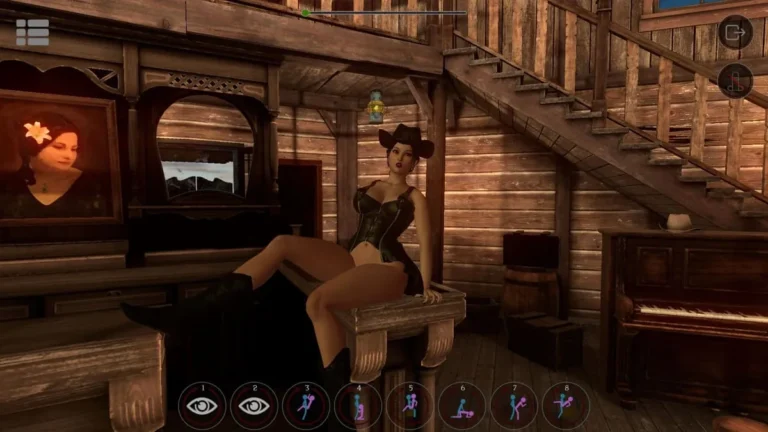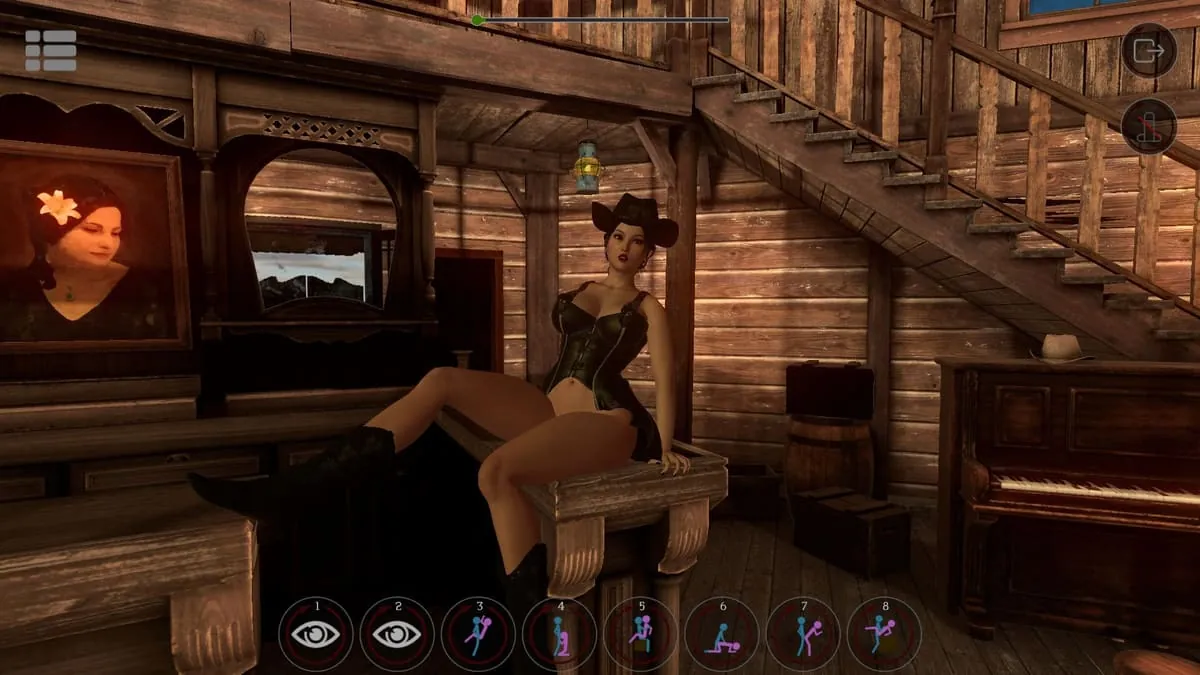
SinVR Screenshots
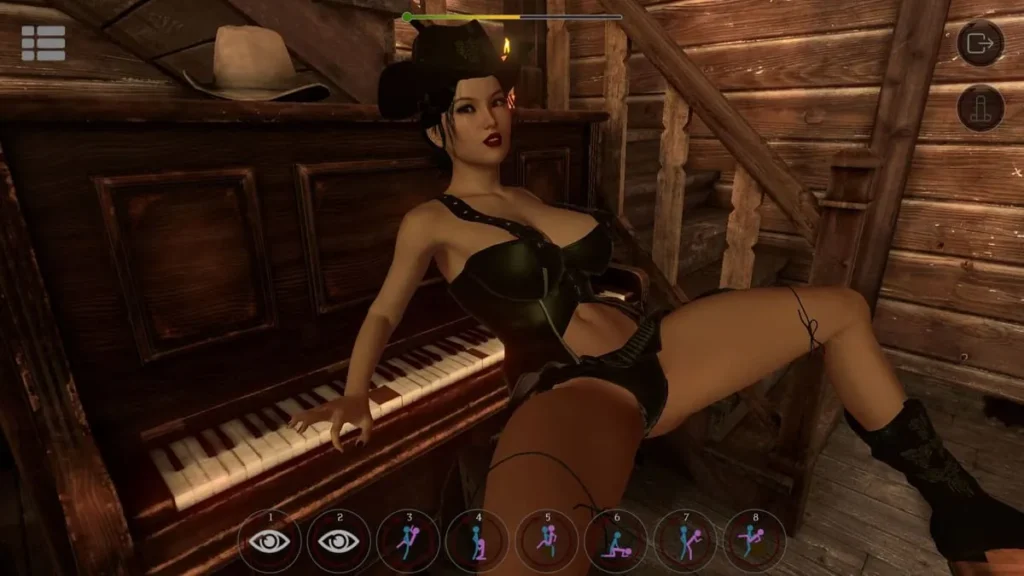
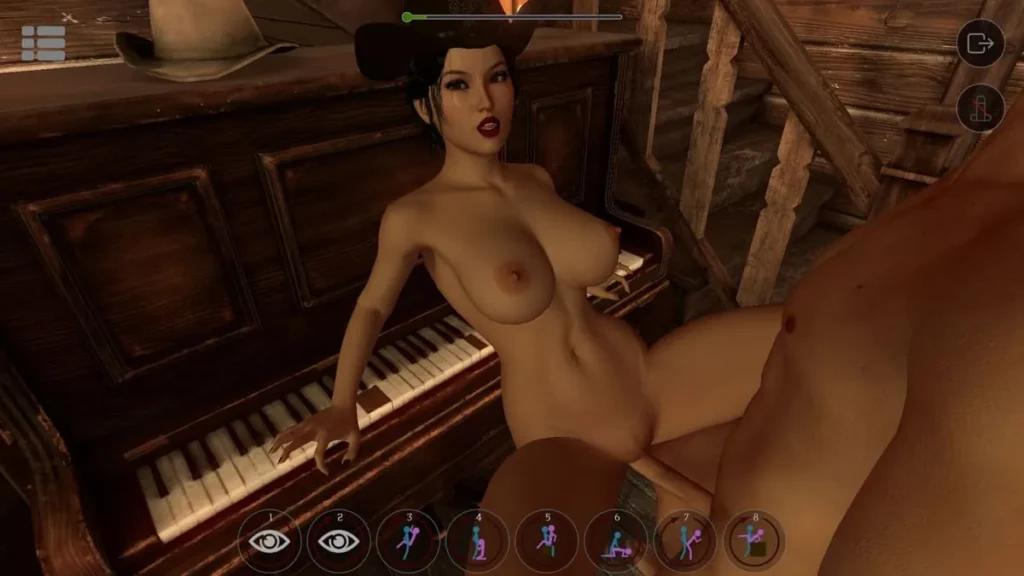
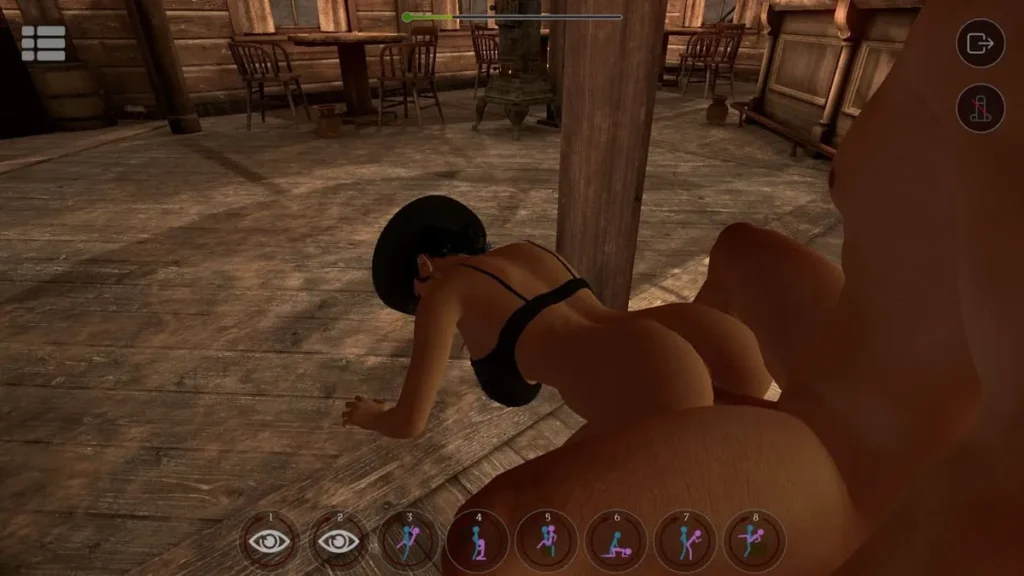
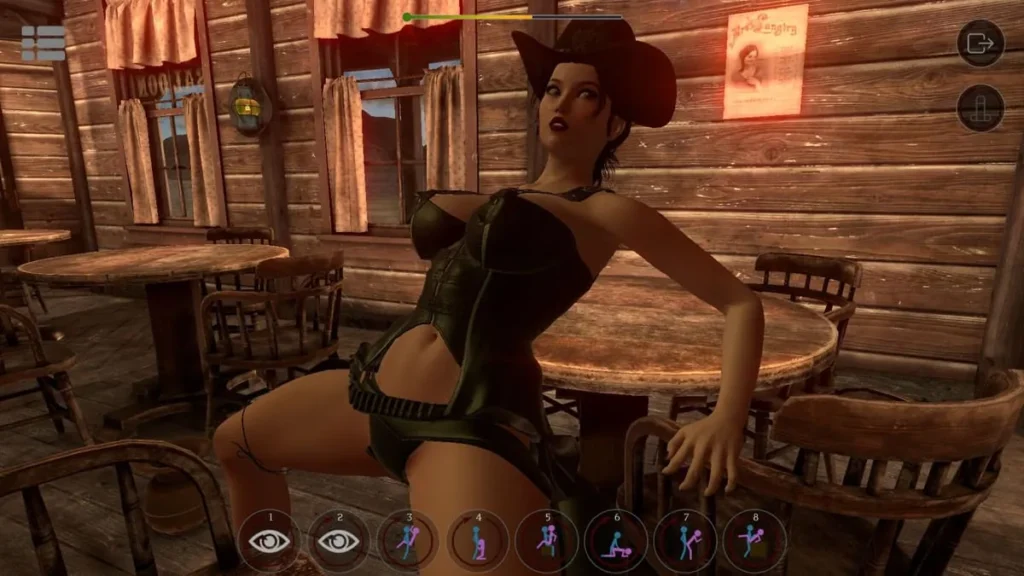
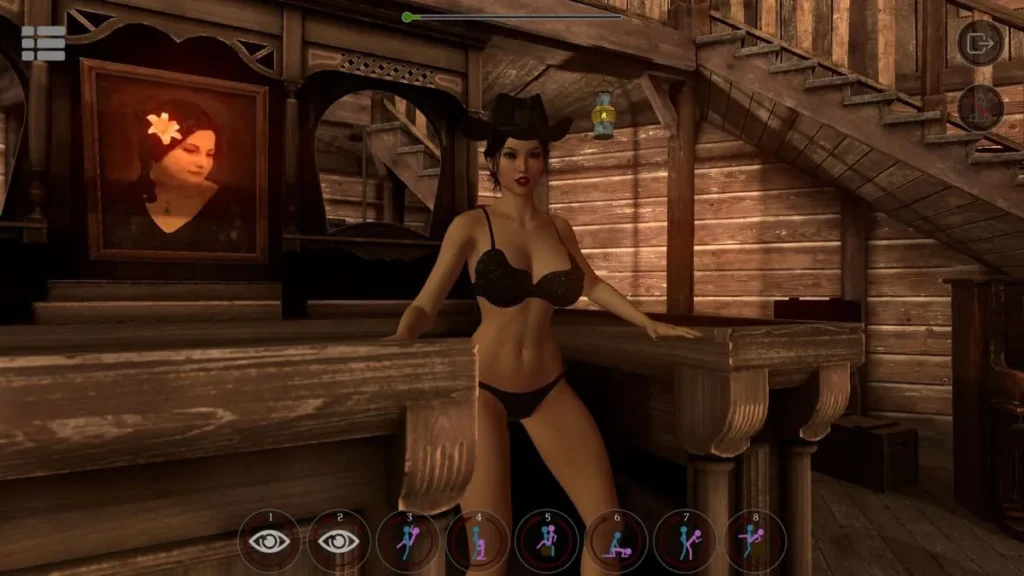
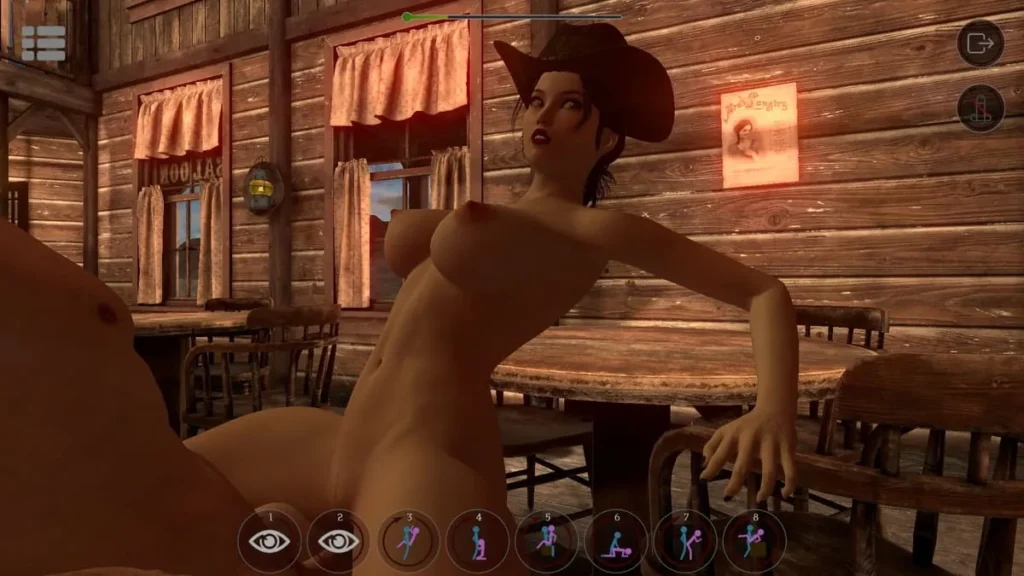
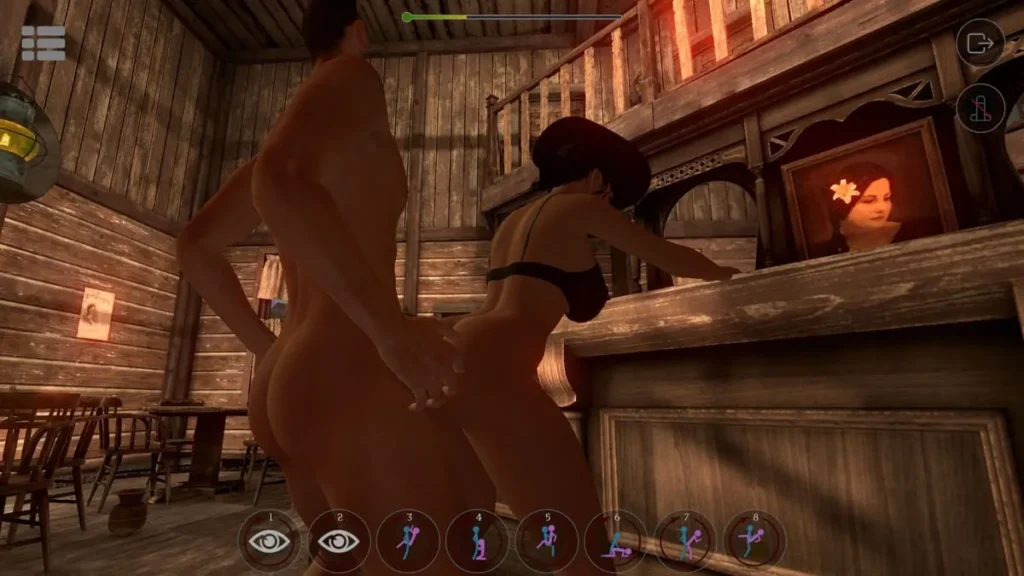
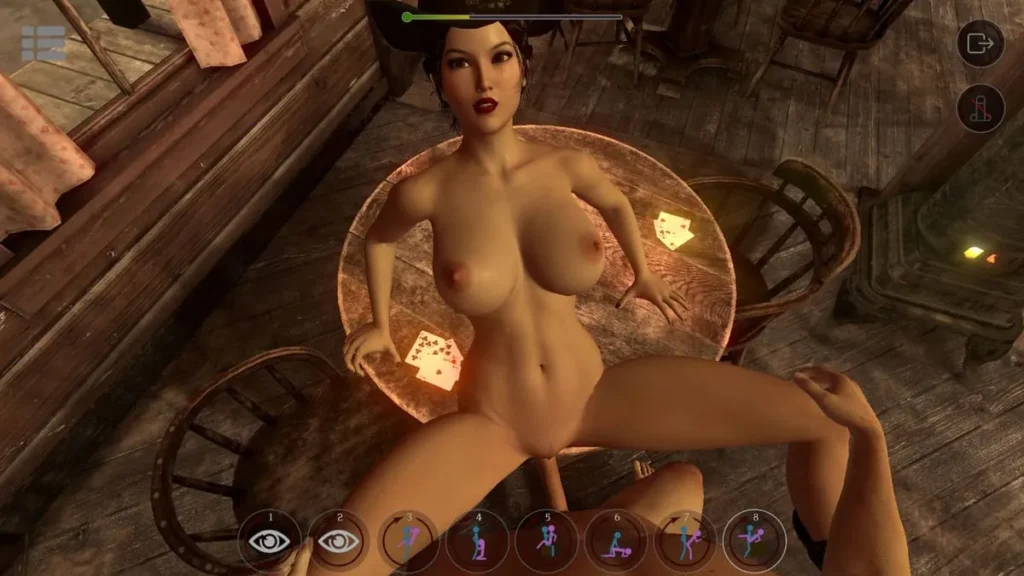
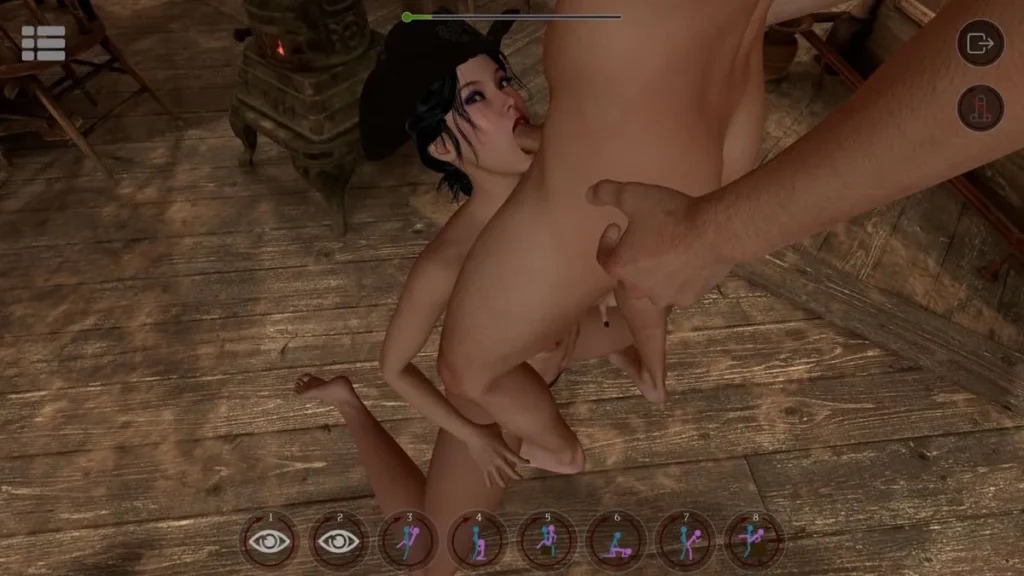
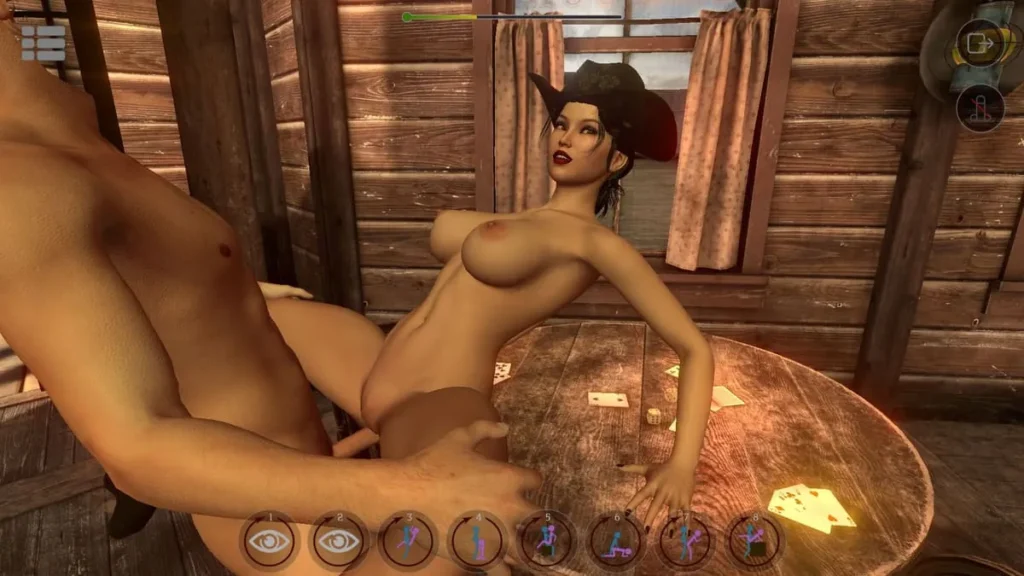
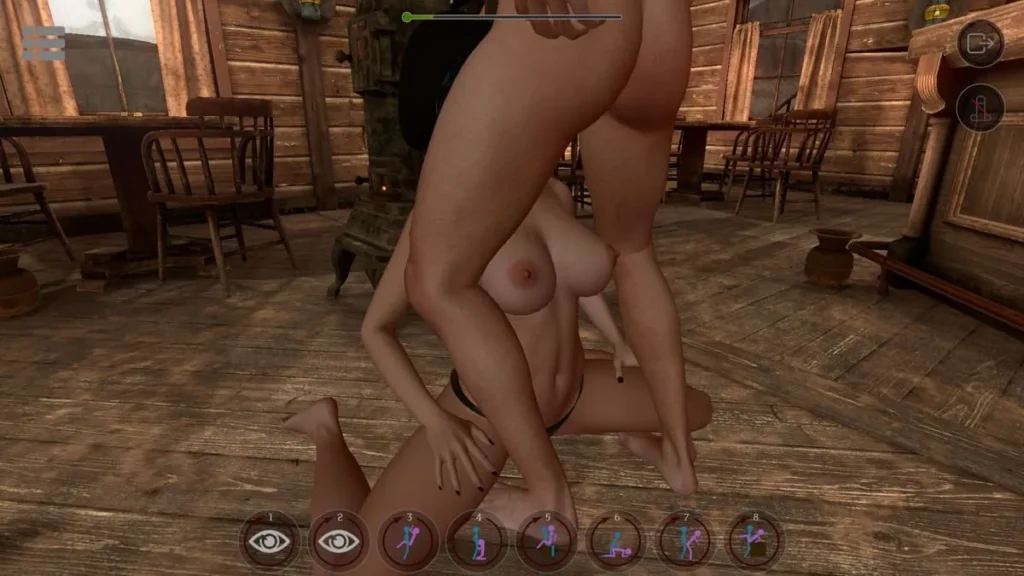
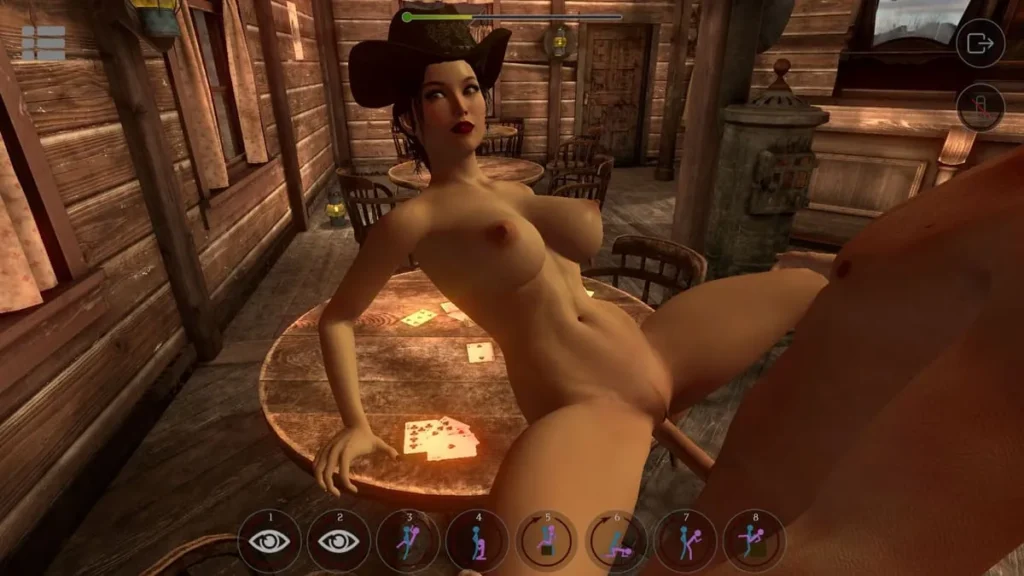
SinVR review
Explore the Features, Gameplay, and Customization of SinVR
SinVR offers a unique adult simulation experience that blends virtual reality technology with interactive gameplay. Designed to immerse players in a customizable fantasy world, SinVR allows users to engage with AI-driven characters through VR or traditional PC controls. This article dives into the core features, gameplay mechanics, and expansion options of SinVR, helping you understand what makes this simulation stand out in the VR adult entertainment space.
Discovering SinVR: Core Features and Gameplay
So, you’ve heard the buzz about virtual reality experiences that push boundaries, and the name SinVR keeps popping up. Maybe you’re curious, a little skeptical, or ready to dive in but want to know exactly what you’re getting into. I was in the same boat! 😅 Let me pull back the curtain and walk you through what makes this immersive VR adult simulation not just another title, but a genuinely engaging digital playground. We’re going to explore the core of the experience: how it plays, how you control it, and how it welcomes everyone, regardless of their hardware.
### What is SinVR and How Does It Work?
At its heart, SinVR is a sandbox-style simulation built for exploration and interaction. Think of it less as a game with points and levels, and more as a dynamic, responsive world where you are the director of your own experience. The core concept is beautifully simple yet powerful: you enter detailed, themed environments and interact with AI-driven partners.
The magic starts with selection. You choose from a diverse cast of female characters, each with their own stylized look and personality cues. This isn’t just about aesthetics; these SinVR AI characters are the soul of the experience. They are designed to be responsive and interactive, creating a sense of presence that is crucial for immersion. You’re not watching a pre-recorded scene; you’re engaging with a character that reacts to your proximity and actions within the space.
The workflow is intuitive:
1. Launch and Select: Boot up SinVR and browse the hub area or menu to pick your desired scenario and partner.
2. Enter the World: You’re transported to a setting—be it a cozy apartment, a luxurious suite, or an exotic locale.
3. Initiate Interaction: This is where the SinVR gameplay truly begins. Using your chosen control method (which we’ll dive into), you approach and engage with your partner, exploring the suite of interactive options available.
The goal is presence and exploration. It’s about the feeling of “being there” and the freedom to interact at your own pace. From my first session, I was struck by how much the atmosphere—the lighting, the environmental details, the character’s attentive design—contributed to a convincing sense of place. It’s a testament to the developers’ focus on creating a holistic interactive adult simulation.
### Interactive Gameplay Mechanics
This is where SinVR separates itself from passive media. The SinVR gameplay is built on a foundation of player agency. It’s not a on-rails experience; it’s a choose-your-own-adventure book come to life in three dimensions. 🎮
Once you’re in a scenario, you have a surprising amount of control. You can move freely around the environment, change positions, and use your controllers or mouse to initiate touch and interaction with your AI partner. The characters are programmed to respond to these interactions, which creates a feedback loop that feels much more dynamic than a static animation.
The SinVR AI characters are central to this mechanic. Their responsiveness is key. They might make eye contact, react to your movement, or respond to initiated actions, making the simulation feel less like a dollhouse and more like a shared space. This AI-driven interactivity is the core of the experience, making every session feel slightly unique and user-directed.
Pro Tip: Don’t just rush through! The charm of SinVR gameplay is in the details. Take a moment to appreciate the environment, the lighting, and the character animations. The immersion builds when you allow yourself to be present in the virtual space.
The user interface is generally minimal and unobtrusive, often accessed through menus on your controller or key presses. This keeps you focused on the world in front of you rather than fiddling with complicated HUDs. The graphics quality is solid, prioritizing smooth performance and clear, stylized character models over hyper-realism, which actually works in its favor for maintaining frame rates in VR—a crucial factor for comfort.
### VR and Non-VR Modes Explained
One of the most commendable aspects of SinVR is its commitment to accessibility. Not everyone owns a high-end VR headset, and the developers understand that. This is where the brilliant dual-format support comes in.
The Full VR Immersion 🥽
When we talk about SinVR VR support, it’s top-notch. Using a compatible headset like the HTC Vive or Oculus Rift (and others), you are fully transported. This is the definitive way to experience it. The sense of scale, depth, and presence is unparalleled. Your real-world motions are translated directly into the virtual space.
The SinVR controls in VR are intuitive. Each controller typically represents one of your hands. You can reach out, touch, gesture, and select menu options with natural movements. Picking things up, interacting with the environment, and guiding interactions feels direct and physical. The SinVR VR support for these motion controllers is what makes the interactive adult simulation label truly earn its name. You’re not pressing a button to “interact”; you are physically performing the interaction.
The Desktop Alternative 🖱️
Now, for the brilliant SinVR non-VR mode. No headset? No problem. You can run the entire experience on your standard desktop monitor. The gameplay translates surprisingly well. Instead of motion controls, you use your trusty mouse and keyboard.
The SinVR controls in this mode are adapted cleverly. The mouse controls your view (like in a first-person game) and interaction cursor, while the keyboard handles movement (WASD) and key actions. It transforms the experience into more of an interactive first-person simulation game. You lose the 360-degree immersion of VR, but you retain full control over the camera, actions, and scenario progression. It’s a fantastic way to demo the experience, enjoy the content if VR isn’t your thing, or simply play without the hassle of setting up a headset.
To make the choice easier, here’s a quick breakdown:
| Feature | VR Mode | Non-VR Mode |
|---|---|---|
| Primary Hardware | VR Headset (Oculus Rift, HTC Vive, etc.) & Motion Controllers | Standard PC, Monitor, Mouse & Keyboard |
| Immersion Level | High (Full 3D, stereoscopic vision, 6 degrees of freedom) | Moderate (First-person perspective on a 2D screen) |
| Core Interaction Method | Physical hand movements with motion controllers | Mouse cursor for looking/selecting, Keyboard keys for actions/movement |
| Best For | Presence, physical interaction, and total environmental engagement | Accessibility, ease of use, and experiencing content without VR hardware |
| Controller Feel | Direct, intuitive, and embodied | Familiar, precise, and similar to traditional PC gaming |
Ultimately, whether you’re going for full VR immersion or the flexible SinVR non-VR mode, the core of the experience—the engaging SinVR AI characters and the freedom of SinVR gameplay—remains intact. This dual approach is a huge win for users and a smart move by the developers. 🙌
And the best part to start with? The SinVR free content. The base download includes a selection of scenes, characters, and environments at no cost. This is your perfect risk-free trial. You can test your system’s performance, get a feel for the SinVR controls in your preferred mode, and explore the quality of the interactive simulation before ever opening your wallet. It’s a confident and user-friendly approach that lets you judge the experience for yourself.
So, is SinVR worth your time? If you’re looking for an accessible, interactive, and curiously engaging sandbox that respects your choice of hardware—and gives you a generous free sample to boot—the answer is a resounding yes. It demonstrates how thoughtful design in both SinVR VR support and desktop play can create a compelling portal to a digital world, inviting you to simply explore and interact on your own terms.
SinVR delivers a customizable and immersive adult simulation experience that leverages VR technology and AI-driven interactions to bring fantasies to life. Whether you prefer VR or traditional PC controls, SinVR offers a variety of scenarios and characters to explore, with continuous expansion through DLC options. Dive into SinVR today to experience this unique blend of virtual fantasy and interactive gameplay.